
Workflow Intelligence

Let routine coordination happen automatically.

Automation Flow

Automation that follows the work instead of creating more admin.

01

Detect the situation

Read workload, task status and delivery context as work changes.

02

Route the next step

Recommend the right team, assignee or follow-up action automatically.

03

Apply the rule

Handle repeatable handoffs with automation while keeping visibility intact.

04

Escalate with clarity

Bring exceptions to people when judgment or approval is required.

Workflow Impact

Where workflow automation removes operational drag.

AssignmentMatch work using skills, timing and current workload.
SchedulingReduce manual sequencing across active tasks and milestones.
Follow-upTrigger reminders and status movement without repeated admin.
EscalationMake exceptions easier to spot and easier to manage.
Human Control

Keep people focused on the decisions that actually need people.

Good automation does not hide the workflow. It makes the repeatable parts lighter while keeping ownership, approvals and operational decisions visible.

  • Reduce repeat coordination work
  • Keep workflow rules clear and configurable
  • Surface delivery risk sooner
  • Preserve a visible trail of what happened next
AI Workspace Features

Advanced Tools Built to Move Work Faster

Switch between connected capabilities and see how each one supports faster execution with real operating context and unique visual examples.

Auto Assignment
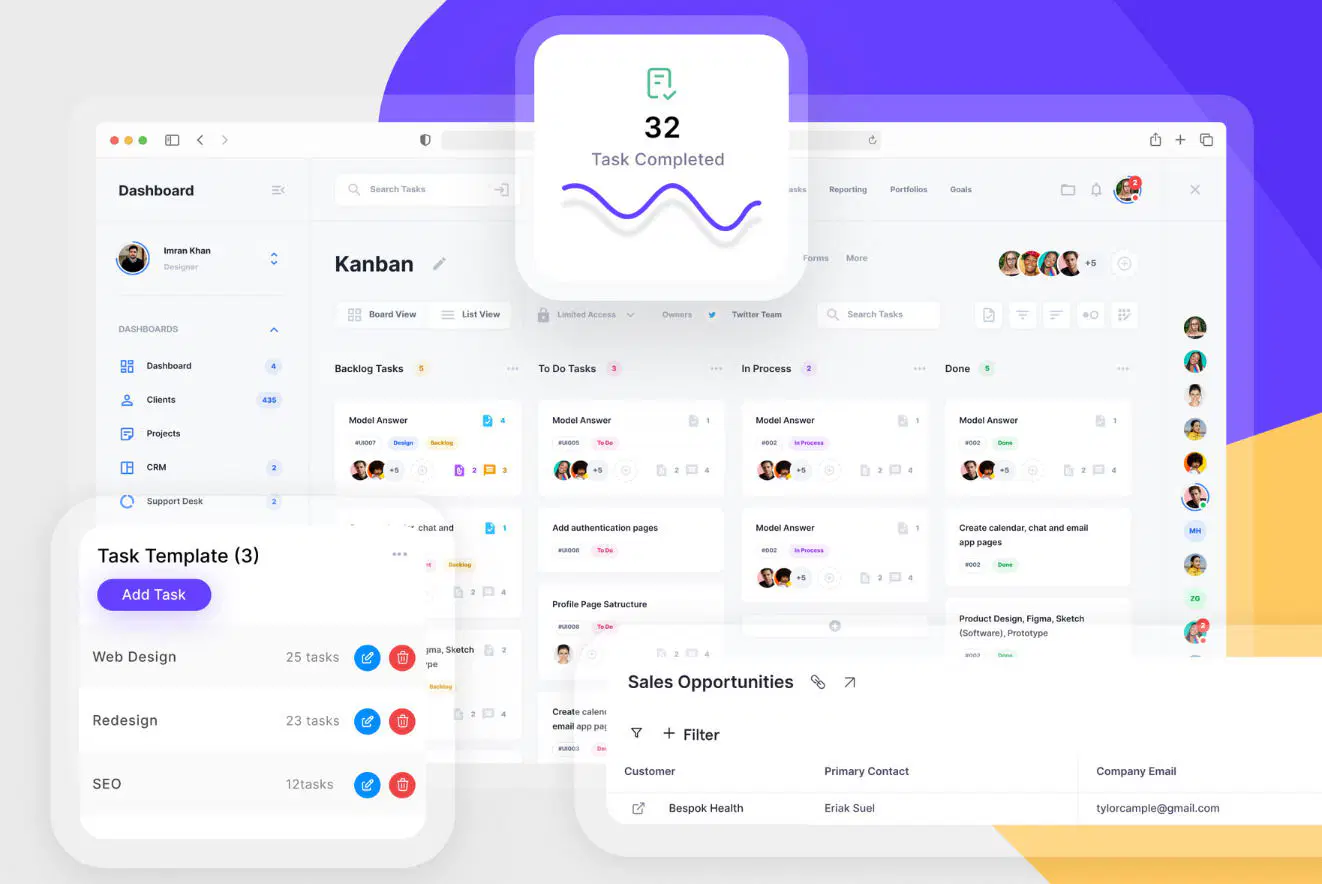
Workflow automation project dashboard

Route incoming tasks using skills, availability and current delivery pressure.

001.

Assign work using live signals instead of manual sorting.

Combine skills, availability and current workload to decide where work should move next with less manual effort.

  • Reduce repetitive routing work
  • Match work using live criteria
  • Keep ownership visible
  • Shorten the handoff time
Explore Features
Working Process

Move from trigger to action in one cleaner flow.

AI workflows work best when routing, monitoring and escalation all stay connected inside the same operating layer.

01

Read the signal

A new project request or workflow update enters the workspace.

02

Route automatically

Rules recommend the next owner, task or team.

03

Monitor the progress

Live movement remains visible while the work continues.

04

Escalate if needed

Exceptions surface to a manager or reviewer with full context.

Laptop showing a dashboard and a person working nearby
AI Workflows

Reduce Repetition Without Losing Control

Use automation to route work faster while keeping review points and delivery ownership clear.