
Collaboration Hub

Keep context, files and approvals attached to the work.

Collaboration Flow

A collaboration layer built around execution, not scattered conversation.

01

Gather the context

Keep project notes, files and delivery comments connected to the same workspace.

02

Align the team

Give managers, clients and contributors one place to follow the conversation.

03

Protect approvals

Track what was reviewed, who signed off and what changed next.

04

Preserve history

Keep decisions searchable so handoffs do not lose important context.

Delivery Coordination

Where better collaboration removes friction from delivery.

MessagesMove fast without separating communication from the active project.
FilesAttach documents, briefs and assets to the work they belong to.
ApprovalsCreate clean review checkpoints and decision records.
MeetingsBring notes and follow-up actions back into the workspace.
Shared Context

Help teams stay aligned without copy-paste work between tools.

A strong collaboration hub keeps every project conversation attached to the actual delivery context. That means less switching, less searching and fewer missed decisions.

  • Keep files beside the related project stage
  • Preserve approval history and review notes
  • Reduce disconnected conversations
  • Make handoffs clearer for every stakeholder
AI Workspace Features

Advanced Tools Built to Move Work Faster

Switch between connected capabilities and see how each one supports faster execution with real operating context and unique visual examples.

Project Messages
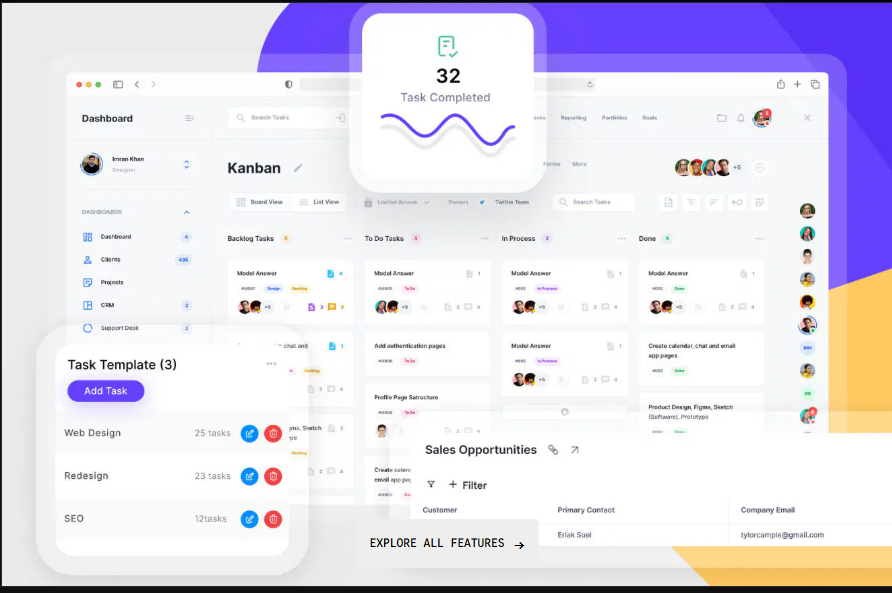
Connected collaboration workspace dashboard

Connect project messages to the active stage, owner and delivery context.

001.

Keep the conversation inside the workspace where work is happening.

Capture project updates, questions and delivery comments in one place so the team can move faster with less backtracking.

  • Keep discussion attached to delivery
  • Reduce fragmented communication
  • Search past decisions faster
  • Limit copy-paste updates
Explore Features
Working Process

Create, review and deliver without losing the context.

A connected collaboration layer keeps the team aligned from the first brief through the final approval.

01

Open the project

Start the workspace with the brief, delivery notes and key stakeholders.

02

Share the files

Add the documents, drafts and references that guide the work.

03

Review in context

Capture comments and approval notes inside the same flow.

04

Finalize clearly

Keep a complete record of what was delivered and approved.

Coworkers discussing work at a table
Collaboration Hub

Keep Every Project Conversation Useful

Bring files, approvals and project context into one collaboration layer built for execution.